
 Lore for MacBeta
Get started.
Download, then follow the pictures.
In the app, sign in with the email you paid with.
Not paid yet? Try it free first.
Details
- Version
- 0.1.4 · 1.8 MB
- Needs
- M1 or newer · macOS 14+
- SHA-256
- c661603f6088eac491528e5ee57384d4845bc6a003dc92b6351a28bde91b3d71
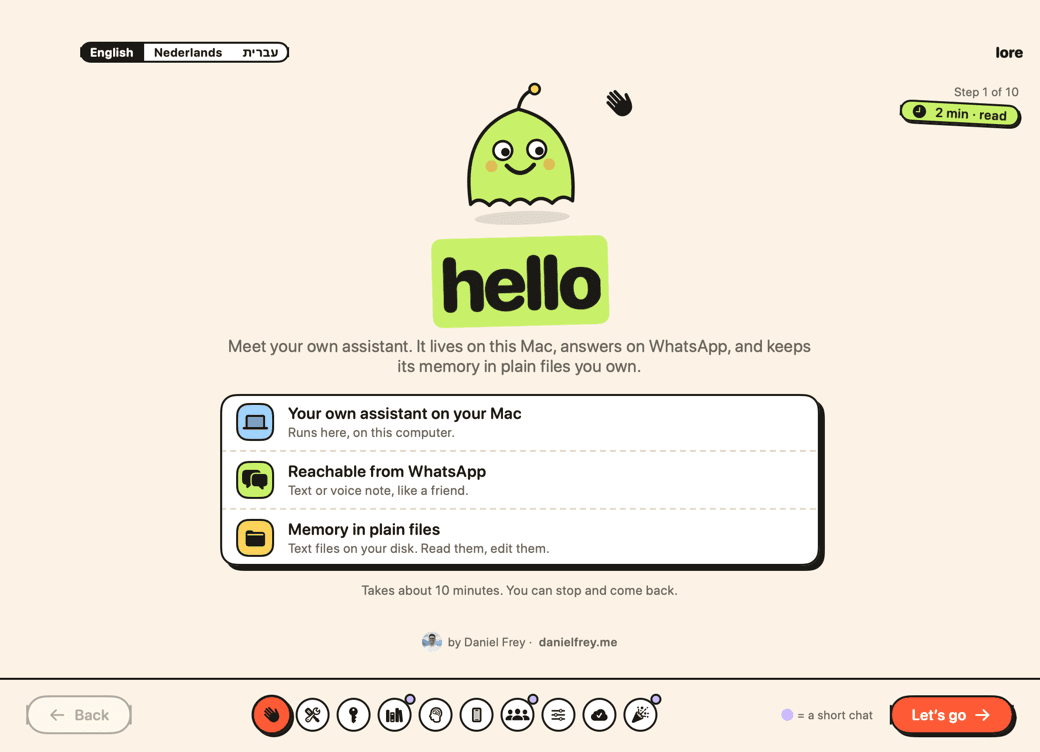
Before you start
A Mac with M1 or newer
With macOS 14 or later.
Claude Pro or Max
Your own Claude plan. Pro is $20 a month.
A WhatsApp number
A second number is safest.
Set up, step by step.
- 1
Your Mac asks once before it opens Lore. Do these 3 steps:
First open
- Drag Lore to Applications.
- Your Mac warns once. Click Done.
- Open System Settings › Privacy & Security › Open Anyway. Type your Mac password.
Details
On macOS 14: right-click Lore and choose Open, then Open again.
Or in Terminal:
xattr -dr com.apple.quarantine /Applications/Lore.app - 2
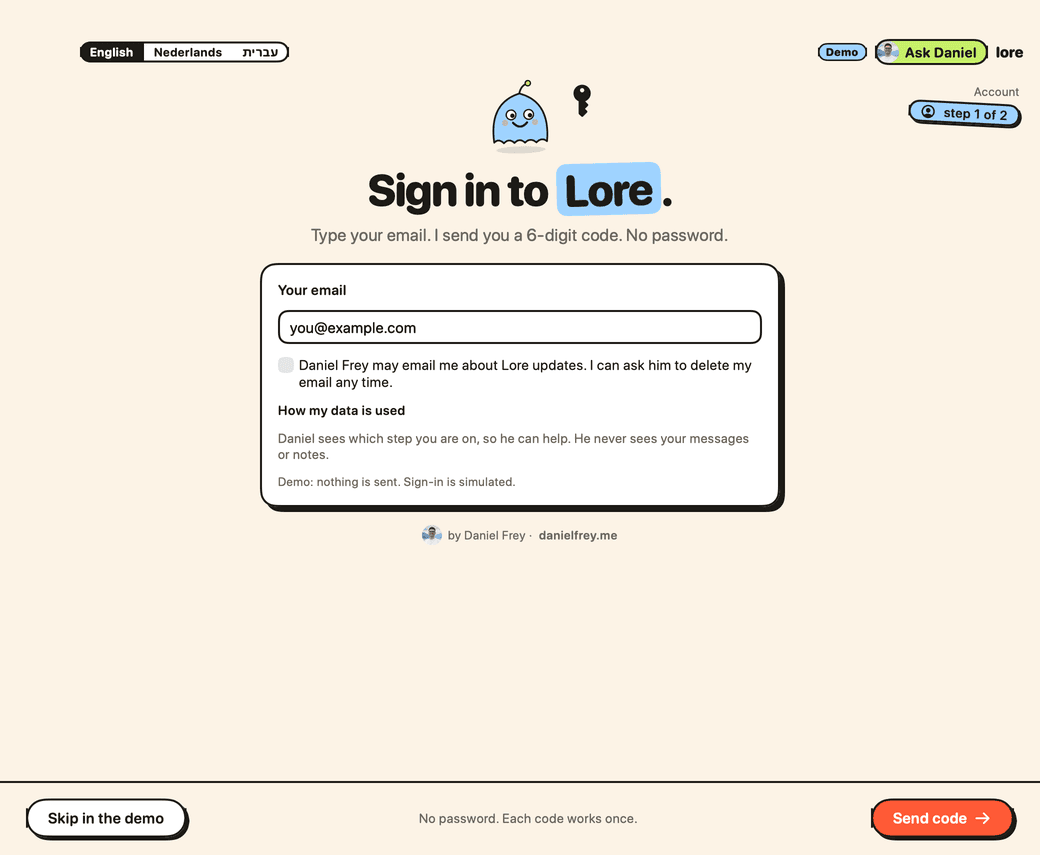
Type the email you paid with. Copy the 6-digit code from your inbox.
- 3
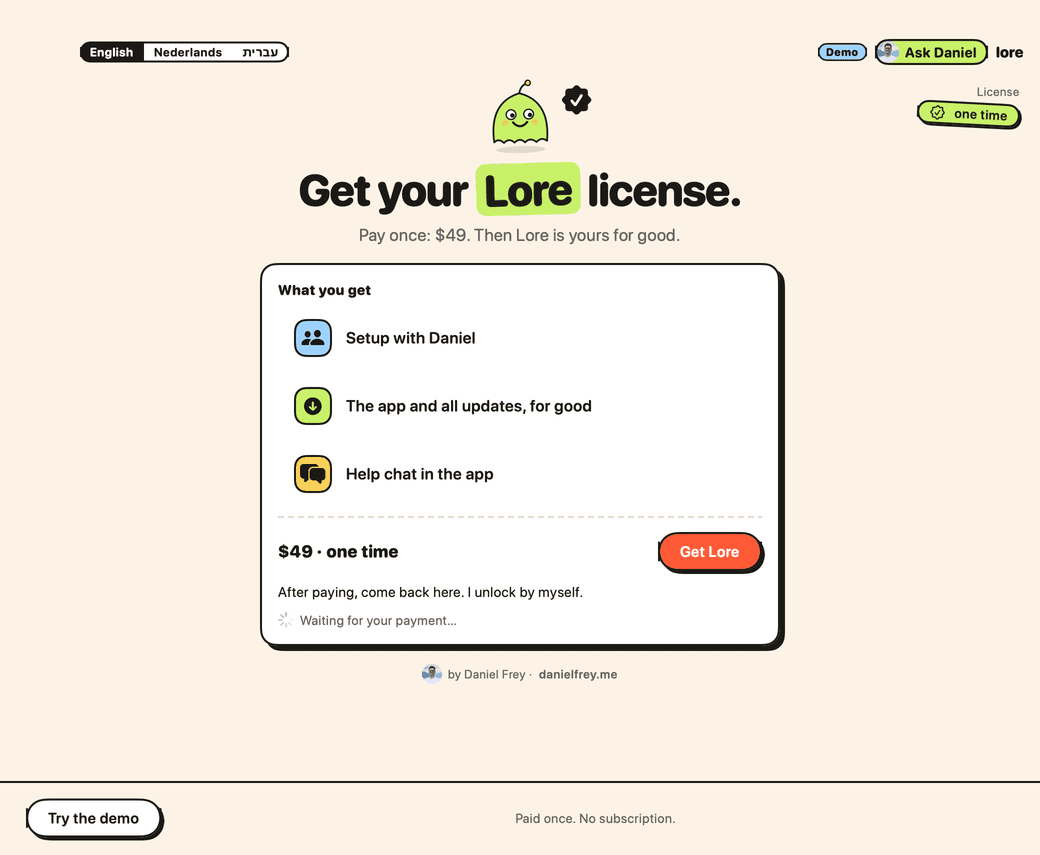
No license yet? Press Get Lore and pay. Lore goes on by itself.
- 4
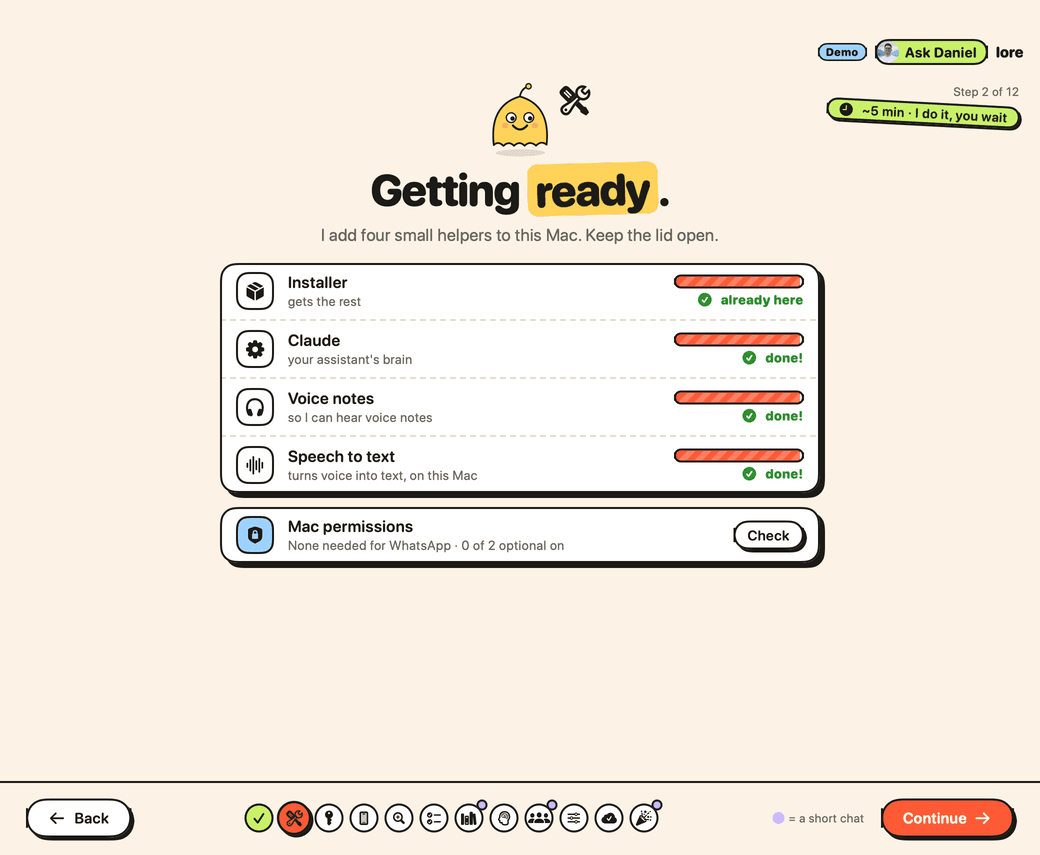
Lore adds a few helpers. Keep the lid open and wait.
- 5
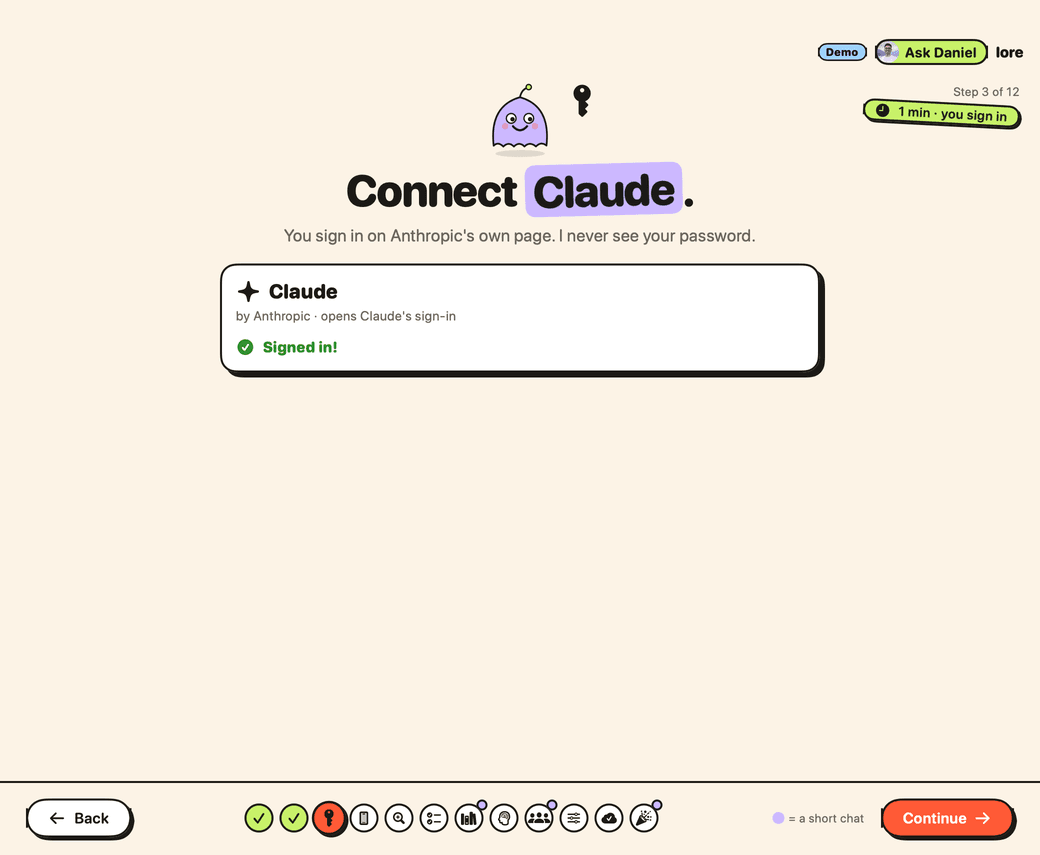
Press Open sign-in and sign in on Claude's page.
- 6
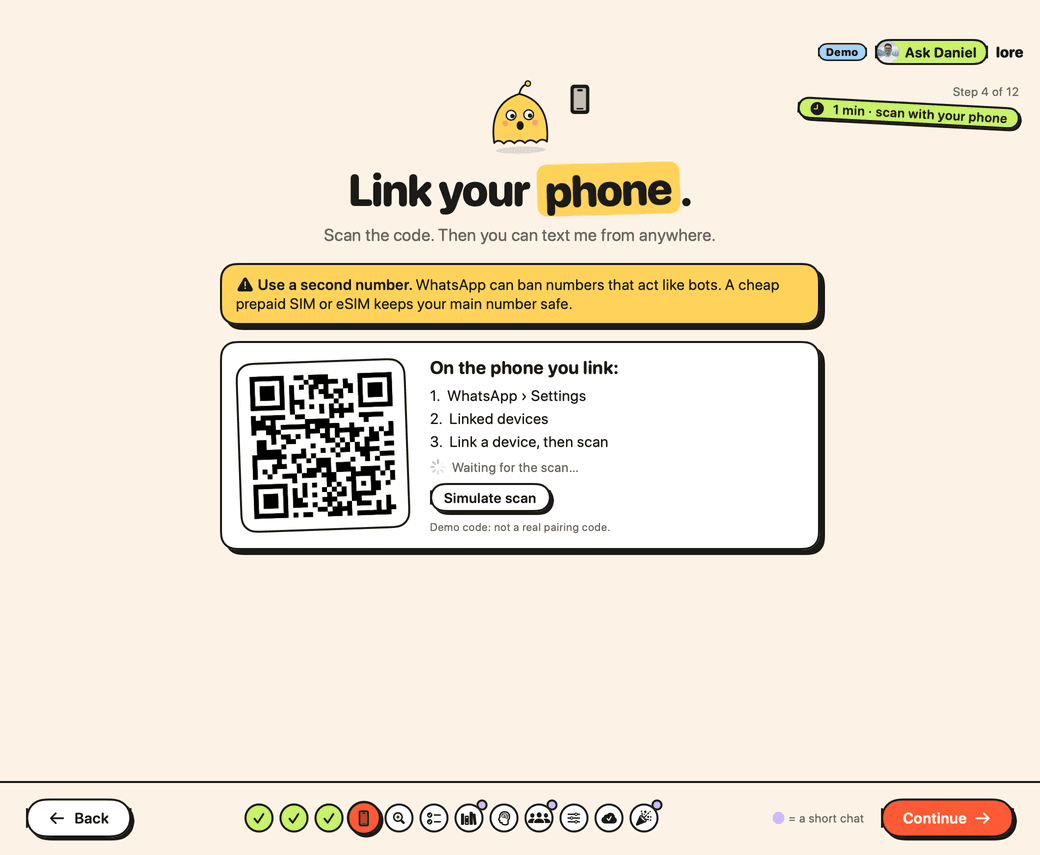
On your phone: WhatsApp › Settings › Linked devices. Scan the code.
- 7
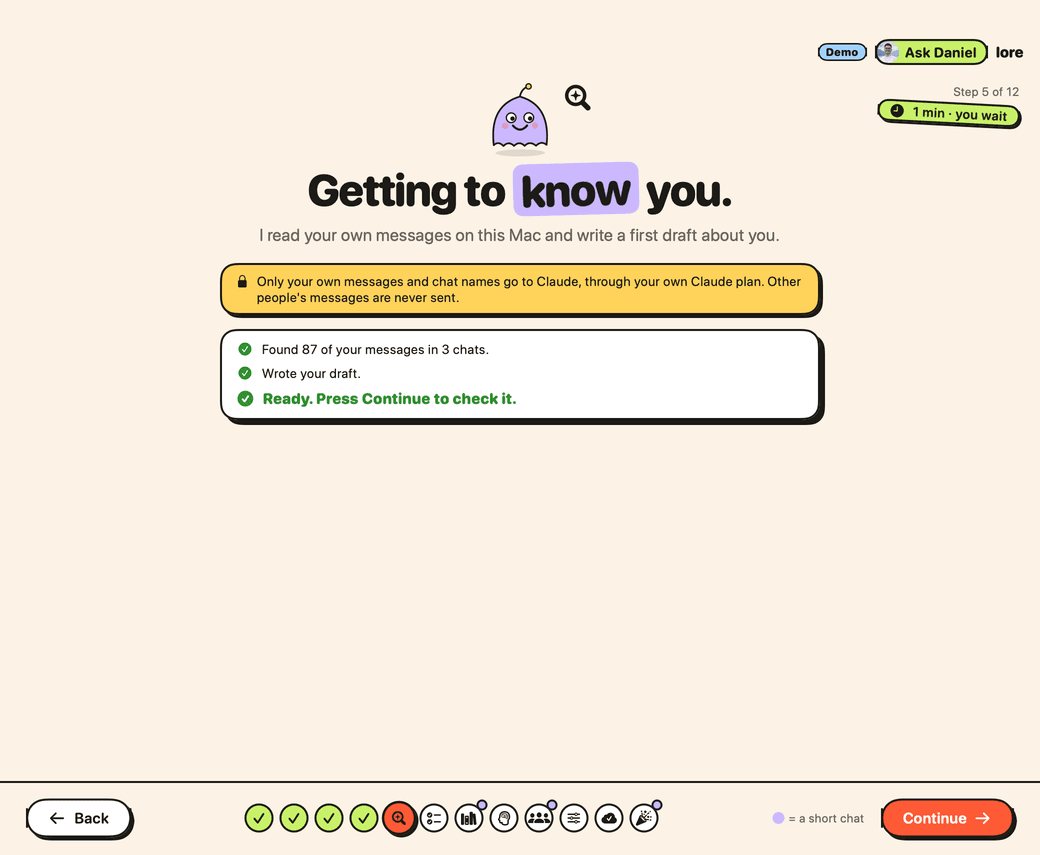
Lore reads your own messages and writes a short page about you.
- 8
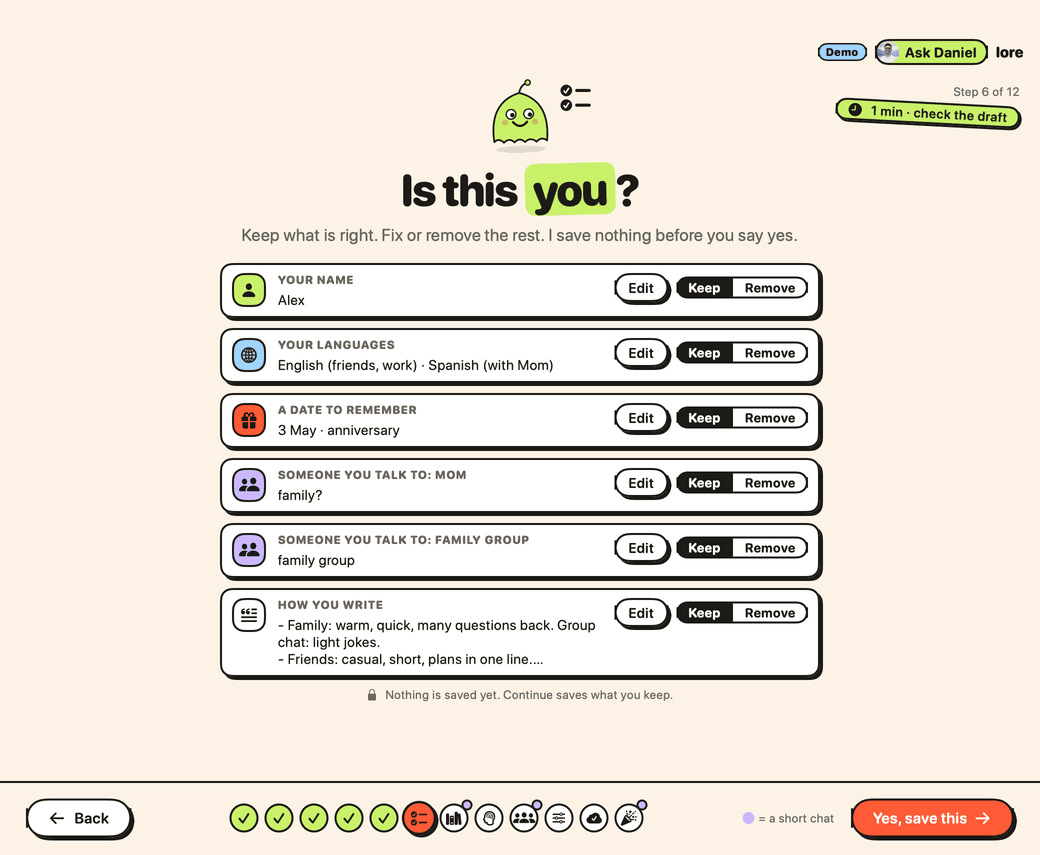
Keep, fix or remove each line. Then press Yes, save this.
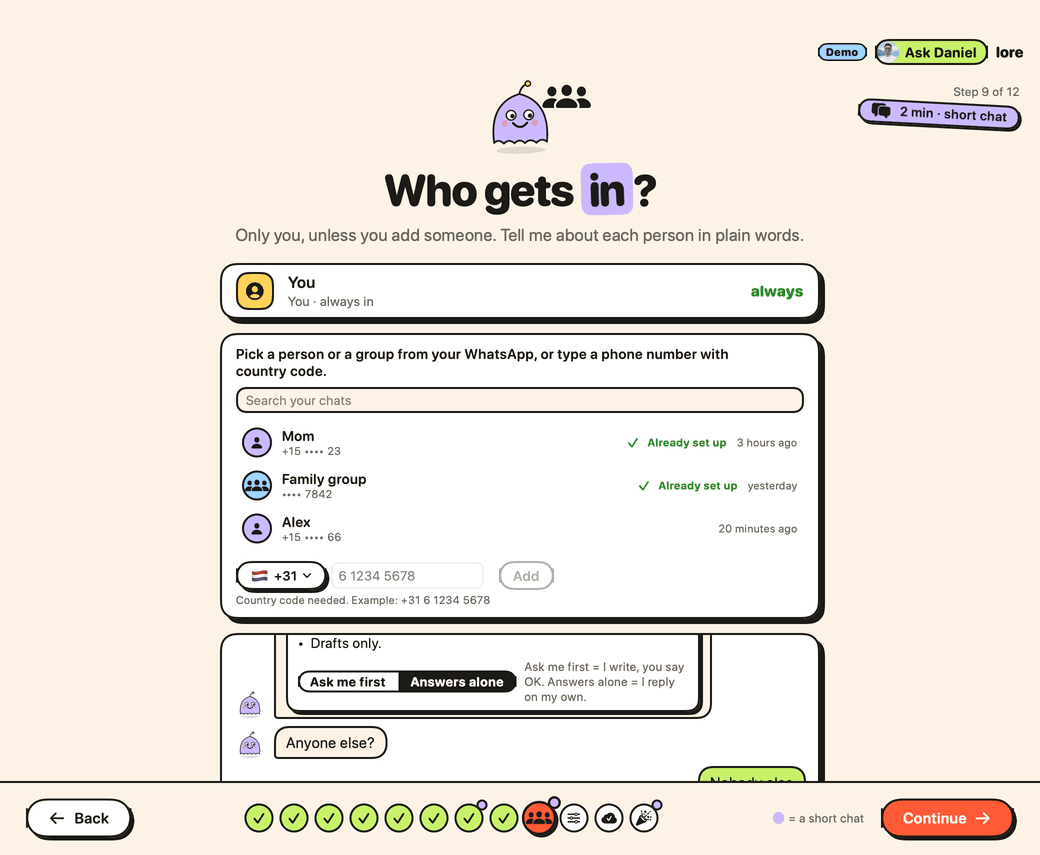
- 9
Pick who else may text it. Start them on Ask me first.
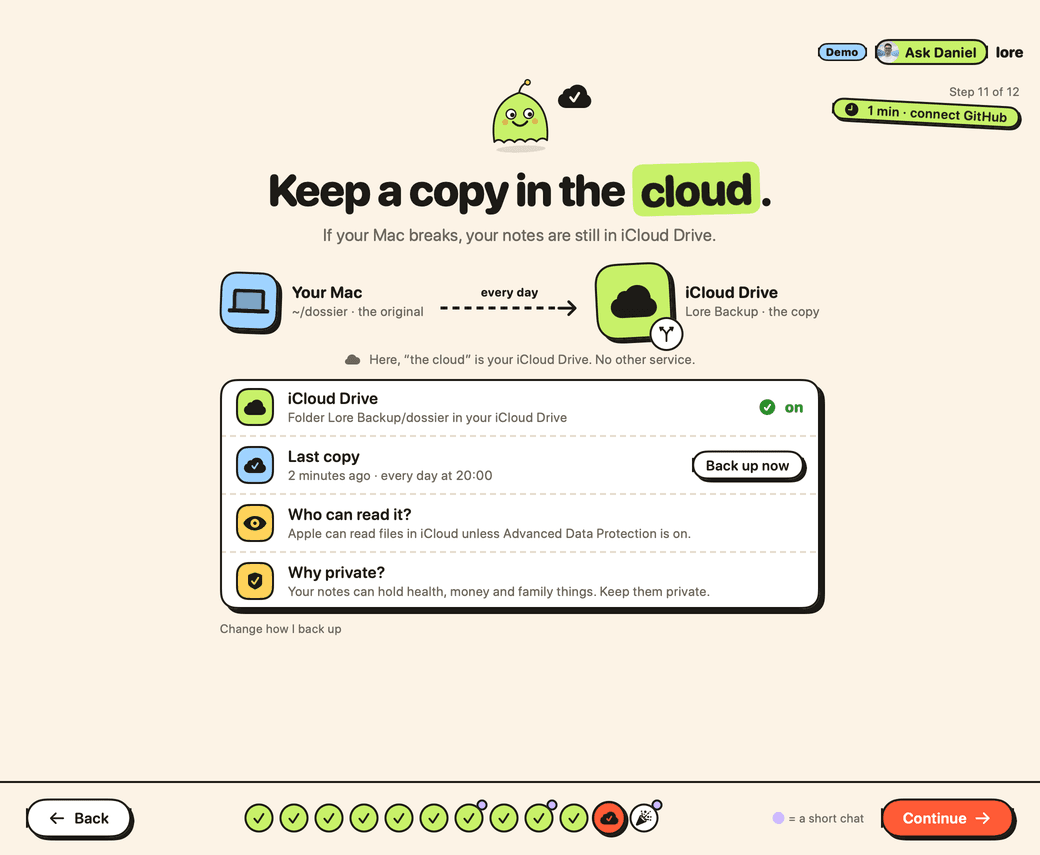
- 10
Pick iCloud Drive (easiest), GitHub, or Skip.
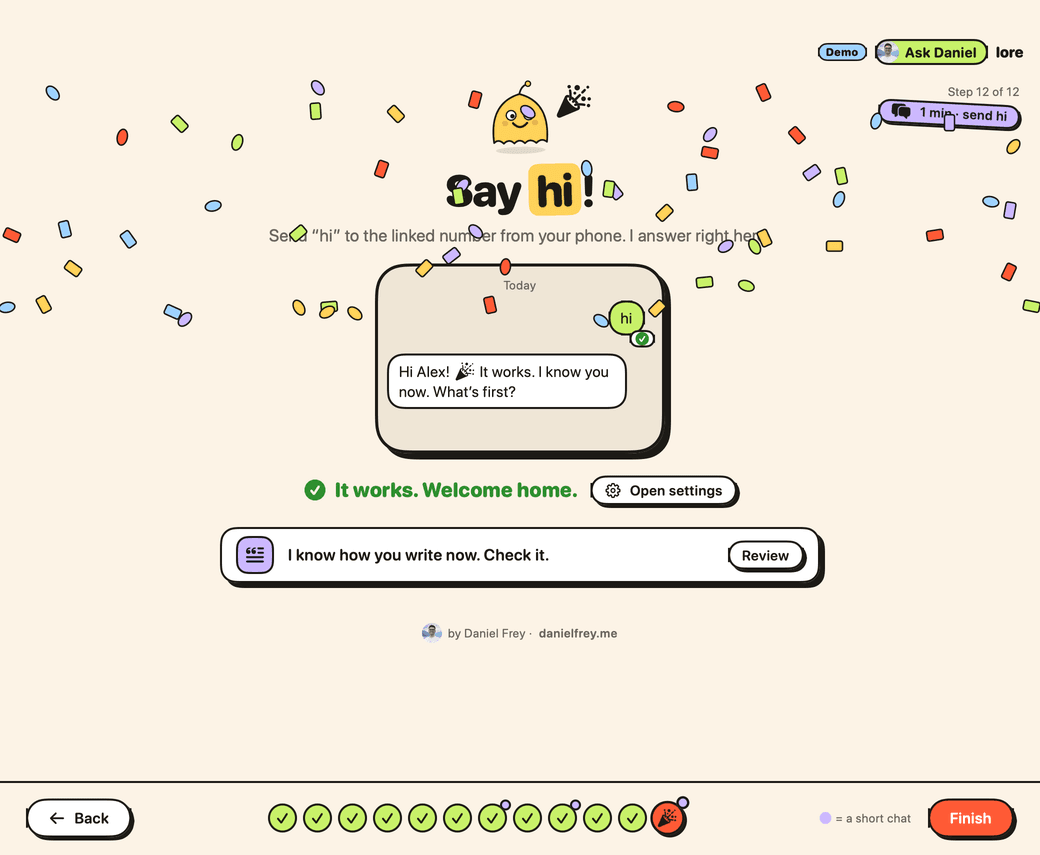
- 11
Send hi from your phone. When it answers, press Finish.
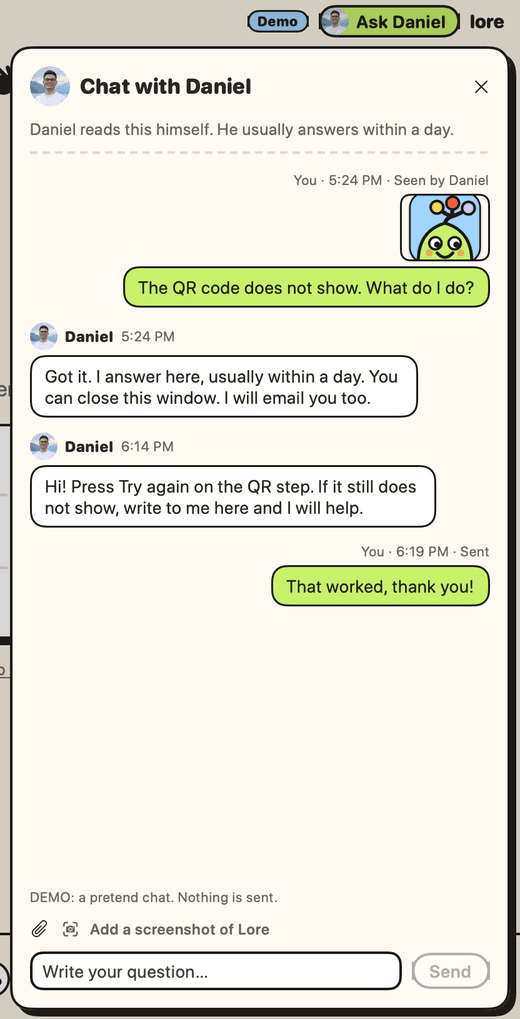
- 12
Stuck? Press Ask Daniel. He answers himself, usually within a day.
- 13
Change anything later in Settings. Lore tells you when an update is ready.
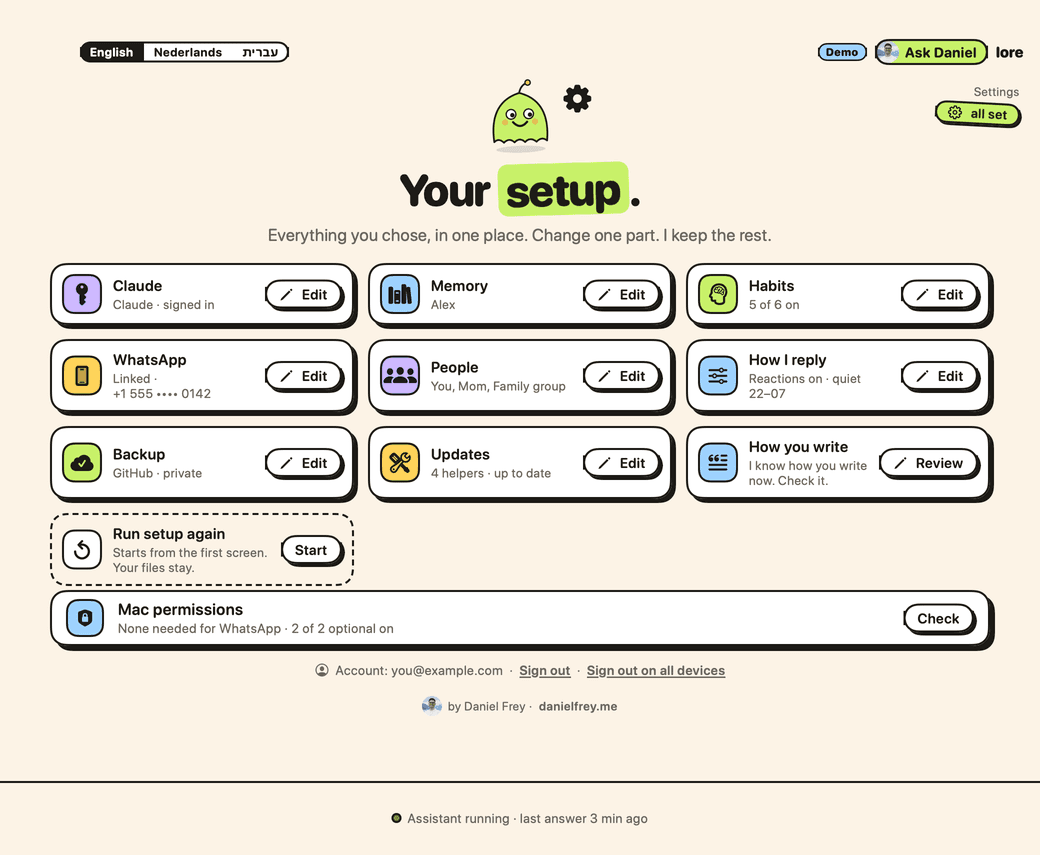
Screens from the demo, with sample data.
Questions
My Mac says it cannot check Lore. Is that normal?
Yes. Apple has not checked Lore yet, so your Mac warns you once. Open it with System Settings › Privacy & Security › Open Anyway.
I paid. Why does Lore still ask for a license?
Sign in with the same email as on your Stripe receipt. Lore checks every 5 seconds. Still stuck after a few minutes? Ask Daniel in the app.
Does my Mac need to stay on?
Yes. Your assistant runs on your Mac. When your Mac is off or asleep, it cannot answer.
What goes to Claude?
Your chats with your assistant, and messages from people you add, so it can answer them. To get to know you: your own messages and your chat names, never other people's messages. All of it goes through your own Claude plan.
What do you (Daniel) see?
Your email and your Mac's name when you sign in. The setup step you are on, so I can help: no messages, no data. Your messages in the chat with me. If you buy: your email, the amount, the date and whether your license is active. Stripe handles the payment. Privacy details
Other questions?
Press Ask Daniel in the app. A screenshot helps. Daniel answers himself.