
Part 2: Claude on WhatsApp, without another app in between
Reach your own Claude second brain from WhatsApp. It runs on your computer, so no company reads your messages or charges you for it.
Skip the reading: paste this into Claude Code
Claude installs the relay and the WhatsApp bridge with you, one question at a time, and explains each risk first. Read on for the how and why.
Set up Claude on WhatsApp for me: my own Claude Code, reachable from WhatsApp, running on this computer.

1. If I have no dossier yet, set one up first with https://www.danielfrey.me/guides/claude-second-brain/
2. Clone https://github.com/clickspider/claude-whatsapp-relay into ~/dossier/tools/claude-whatsapp-relay.
3. Read its SETUP.md and follow it with me, including installing and pairing the WhatsApp bridge.
4. Ask one short question at a time. Explain each risk before I say yes.
5. Ask me before you install anything or before anything leaves my computer.
Part 1 gave Claude a memory on your computer. This part lets you reach that same Claude from your phone, in WhatsApp, the app you already use every day.
There are assistants that do this for you. They work by routing your messages through their servers. A company you don't know sees your health questions, your money and your family chats, and some use them to train their models unless you opt out.
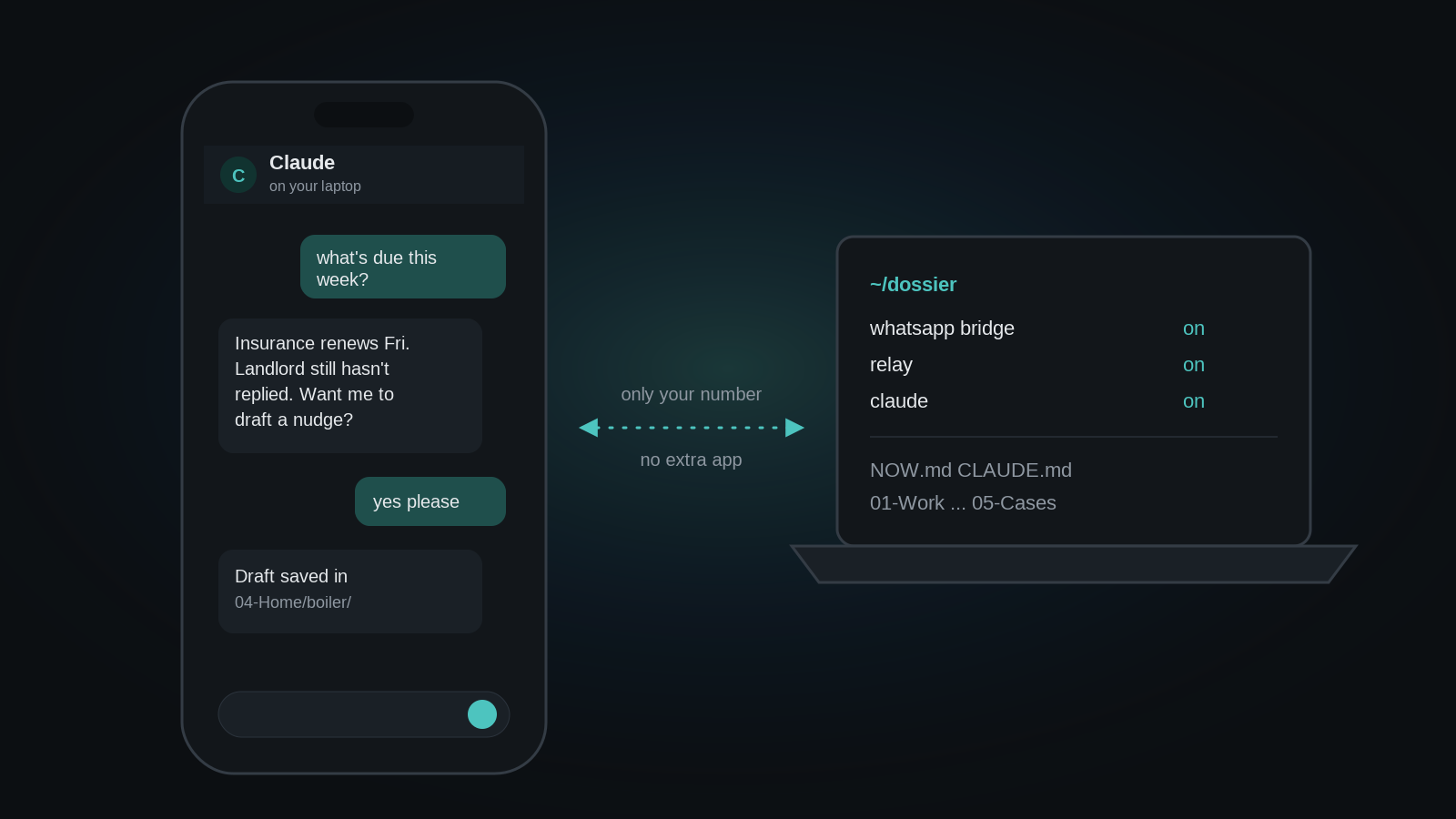
This version runs on your own computer. Your WhatsApp account will talk to a small bridge on your laptop. The bridge hands your message to Claude Code in your dossier, and the answer comes back to your chat. You still talk to Claude, of course, but there is no extra app, server or company between you and it, and your memory stays in your own files.
How it works
- A WhatsApp bridge on your computer (whatsapp-mcp) links to a WhatsApp account, the same way WhatsApp Web does: you scan one QR code. Use a second number for it (a cheap prepaid SIM is enough), so your own account stays separate and you just text your assistant like a contact.
- A small relay watches for messages from your own number only and passes them to Claude Code, inside your dossier folder.
- Claude answers with everything from Part 1: your
NOW.md, your rules, your topic files. - The reply goes back to your WhatsApp chat. Voice notes work too, transcribed on your own machine.
Set it up
The relay is open source: github.com/clickspider/claude-whatsapp-relay. Install and pair the WhatsApp bridge first. Then paste this into Claude Code, inside your dossier folder:
Clone https://github.com/clickspider/claude-whatsapp-relay into ./tools/claude-whatsapp-relay
and follow its SETUP.md with me, one question at a time.
You need a Mac (Linux works without voice replies), Python 3.11+, Claude Code, ffmpeg and whisper.cpp. Every setting lives in one config file, and relay.py check tells you the risk of each one before anything runs.
Read this first
- Your chat becomes a remote control for your computer. Whoever can write in it can steer Claude. By default, the relay listens to your own number only.
- The WhatsApp bridge is an unofficial client. That breaks WhatsApp's terms, and WhatsApp can block the number. Use a second number, not your main one.
- Other people are off by default. You can give one contact or group its own locked Claude with its own rules file. Start with drafts that wait for your OK.
I run this on my own laptop every day. I audited it before release, and the security notes list what it does and does not protect.
Questions or stuck? Ask in the WhatsApp group below.